
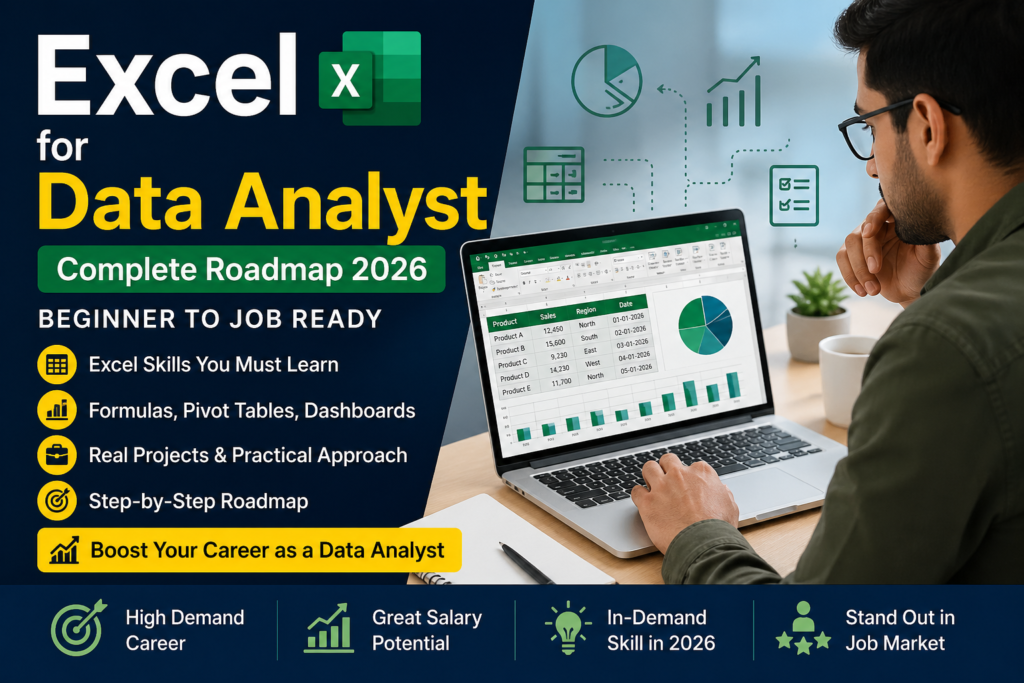
If you’re planning to build a career in data analytics, learning Excel for data analyst roles is one of the smartest first steps you can take. Many beginners directly jump to tools like Python or Power BI. But the reality is different:
👉 Most real-world data work still starts with Excel.
From cleaning messy datasets to building reports and dashboards, Excel is the tool companies expect every data analyst to be comfortable with. So the real question is not:
👉 “Should I learn Excel?”
But:
👉 “How much Excel is required to become a data analyst?”
Let’s understand this step by step in the simplest way 👇
Why Excel is Important for Data Analysts
Even in 2026, Excel is still widely used across industries.
Where Excel is used in real jobs:
- Data cleaning
- Data formatting
- Quick analysis
- Reporting
- Dashboard creation
👉 Even experienced analysts use Excel daily for quick insights.
Real Scenario:
You join a company as a data analyst.
Your manager gives you:
👉 A messy Excel file with 10,000 rows
Your task:
👉 Clean data and find insights
No Python. No AI.
👉 Just Excel.
What Level of Excel is Required for Data Analyst?
Let’s clear one common confusion:
Basic Excel is NOT Enough
- Simple formulas
- Basic formatting
- Copy-paste
👉 This won’t help you get a job.
Job-Ready Excel Skills You Must Learn
1. Data Cleaning (Most Important)
- Remove duplicates
- Handle missing values
- Text to Columns
- Data formatting
👉 70% of real work starts here.
2. Important Excel Formulas
- VLOOKUP / XLOOKUP
- INDEX + MATCH
- IF, COUNTIF, SUMIF
- TEXT functions
👉 These help you solve real problems.
3. Pivot Tables (Core Skill)
- Summarize large data
- Create reports
- Analyze trends
👉 Pivot tables = Must for every data analyst.
4. Excel Charts & Dashboards
- Bar charts
- Line charts
- KPI dashboards
👉 This is what impresses recruiters.
5. Basic Automation (Optional but Powerful)
- Macro recording
- Intro to VBA
👉 Helps you stand out from others.
Excel Roadmap for Data Analyst (Step-by-Step)
Follow this simple and practical roadmap:
Step 1: Learn Basics (2–3 Days)
- Interface
- Shortcuts
- Basic formulas
👉 Don’t spend too much time here.
Step 2: Master Formulas (7 Days)
Focus on:
- Lookup functions
- Logical formulas
- Data handling
👉 Practice daily.
Step 3: Pivot Tables & Analysis (5 Days)
- Create reports
- Analyze data
- Identify trends
👉 This builds analytical thinking.
Step 4: Work on Real Projects (7–10 Days)
Examples:
- Sales dashboard
- Student performance analysis
- Expense tracker
👉 This step makes you job-ready.
Step 5: Dashboard Creation (5 Days)
- Charts
- KPIs
- Filters
👉 This is what recruiters want to see.
What Companies Actually Expect
Companies don’t ask:
❌ “Do you know Excel?”
They ask:
👉 “Can you solve real business problems using data?”
Example Task:
- Dataset: Sales data
- Task: Find top-performing products
👉 If you can do this using Excel, you’re ready.
How Excel Fits in Data Analyst Career
Excel is your starting point, not your final destination.
| Skill | Role |
|---|---|
| Excel | Foundation |
| SQL | Data extraction |
| Power BI | Visualization |
| Python | Advanced analysis |
👉 Strong Excel = Strong base.
Data Analyst Salary in India (2026)
- Fresher: ₹3–6 LPA
- 1–2 Years: ₹6–10 LPA
- Experienced: ₹10–20+ LPA
👉 Excel is your entry skill into this field.
Common Mistakes Students Make
❌ Only watching tutorials
👉 Learning happens through practice.
❌ Not working on projects
👉 No projects = no confidence.
❌ Practicing only clean data
👉 Real-world data is messy.
Best Way to Learn Excel for Data Analyst
Follow this approach:
👉 Learn → Practice → Build → Repeat
Not:
❌ Watch → Skip → Forget
Quick Answers (FAQ’s)
❓ Is excel enough for data analyst?
👉 No, but it is the most important starting skill.
❓ How long does it take to learn excel for data analyst?
👉 20–30 days with proper practice.
❓ Which excel skills are most important?
👉 Pivot Tables, Lookup Functions, Data Cleaning, Dashboards.
❓ Can I become a data analyst without coding?
👉 Yes, you can start with Excel, SQL, and Power BI.
Final Advice
If you’re serious about becoming a data analyst:
👉 Start with Excel
👉 Focus on practical skills
👉 Work on real projects
Because:
👉 Skills get you hired, not certificates.
Want to Learn Excel Practically?
If you want to learn excel for data analyst in a job-oriented way:
👉 Work on real datasets
👉 Build live projects
👉 Get practical training
📞 Call/WhatsApp: +91 9971330802
📍 Location: Sec-7, Dwarka